Upload one product photo,
get hero shots & clips
Five built-in prompt-free e-commerce templates in AI Studio — private for unreleased SKUs and backed by automatic failure refunds.
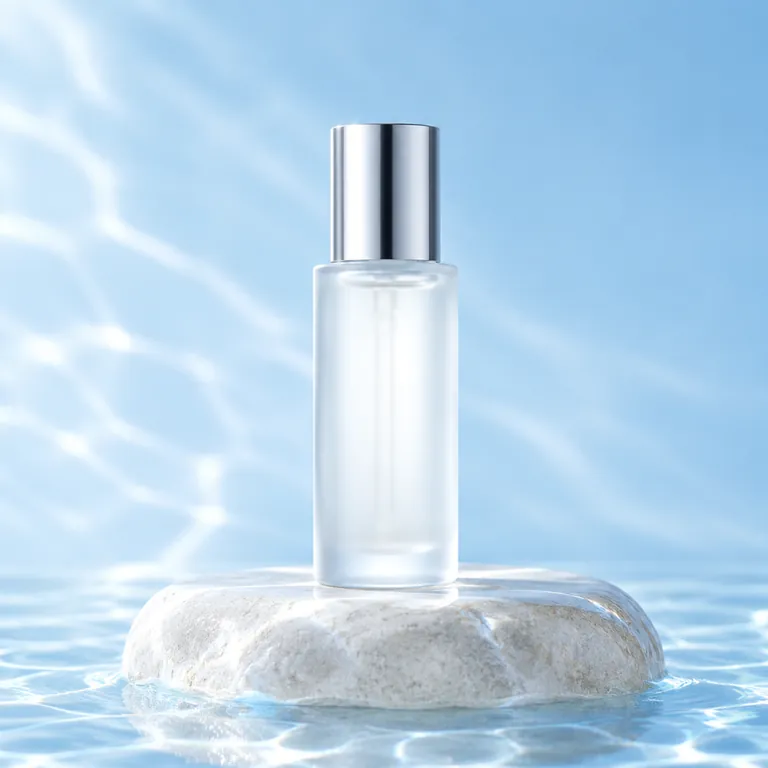
Packshot → StudioPrompt-free
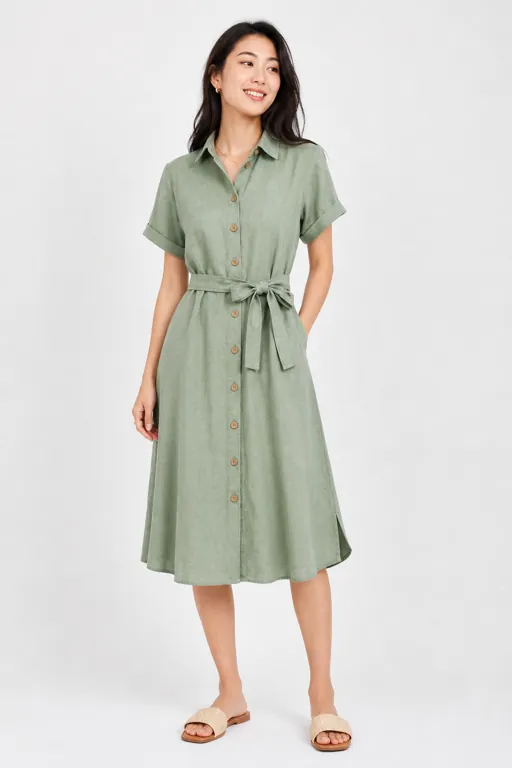
AI Try-On
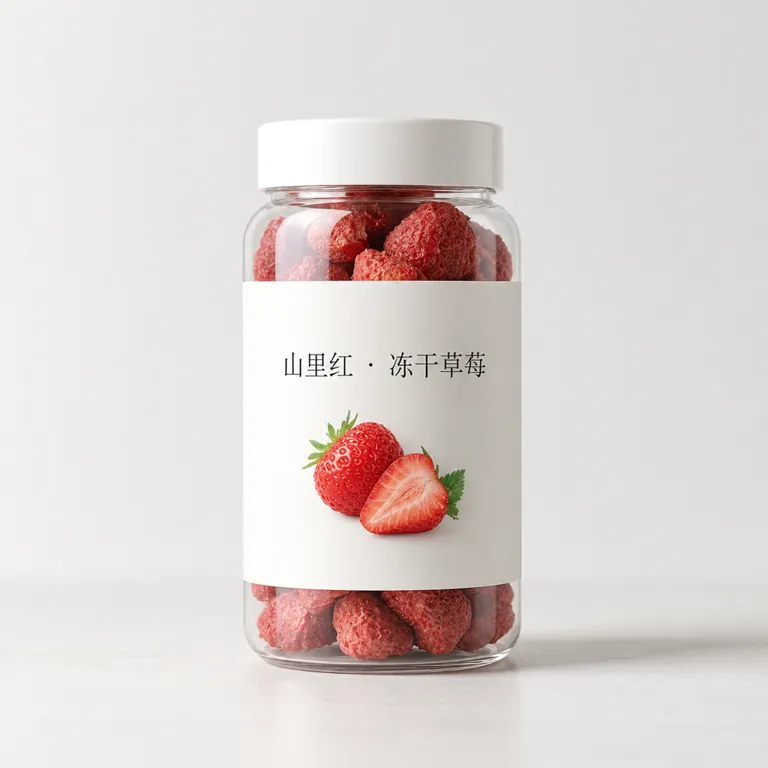
Packaging
Built-in commerce templates — upload and generate
ImageProduct Hero Shot
Turn plain packshots into studio lighting and lifestyle scenes.
Prompt-freeOpen →
ImageAI Virtual Try-On
Upload flat-lay garments to preview on-model styling rapidly.
Studio lightingOpen →
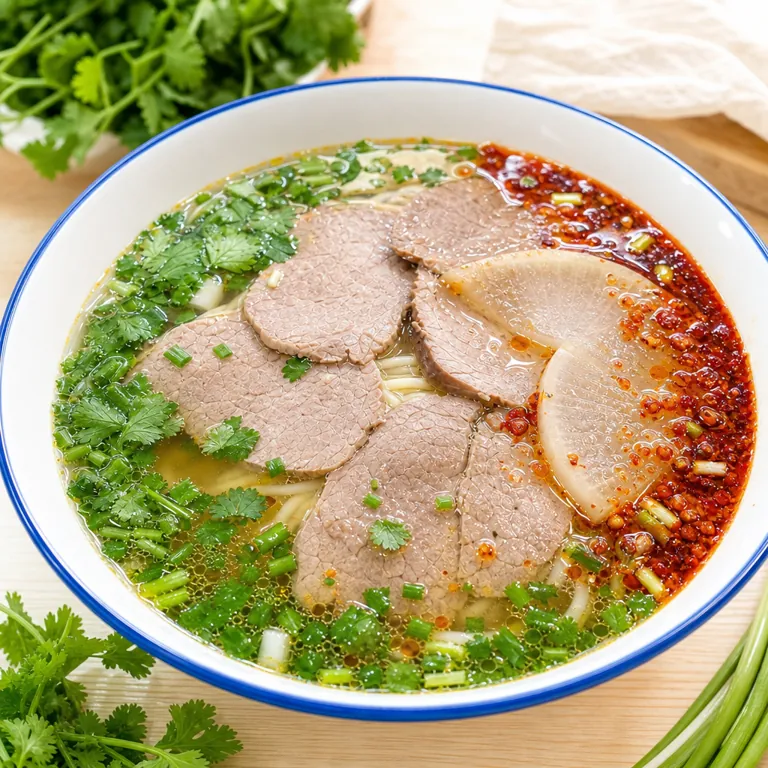 Image / Video
Food & Packaging
Menu photography, packaging concepts, and 5-second product clips.
Private SKUOpen →


How merchandising teams ship visuals faster
- Open the Shop & Commerce group in AI Studio and choose Product Hero, Try-On, Product Video, Food, or Packaging.
- Upload one clear product photo, pick your lighting style and aspect ratio, and generate studio-ready assets.
- For automated high-SKU pipelines, call /v1/images/edits using the exact same Infistar account.
- Unreleased product images stay private to your account, and failed runs refund automatically.
Commercial production notes
- Inspect fine packaging copy, specs, and labels before publishing to storefronts.
- Only upload portrait or model photos for which you hold proper rights and consent.